Angular for Absolute Beginner
Just twitted the slides @jsdude005
Who is
JS Dude?
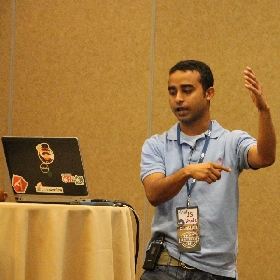
- @jsdude005
- Organize Chicago JavaScript meetup
- Sr. Web Developer, Nielsen
- Enjoy Learning, talking about JavaScript
Jump from 14,000ft

Chicago Marathon 2016

10,000 volts

Now about you
- Build Angular2 app
- Watched some tutorial
- comfortable with ES6, TS, RxJS
Why Angular
Why Angular
- Your manager said so
- You are Angular1 veterans
- Live in a .Net world
- Trust google and MS ecosystem
- All best practices are put together
Agenda
Five parts
- Resume Driven Development
- Google Driven Development
- Manager Yell Driven Development
- Bathroom break driven development
- Production Broken Driven Development
Part 1
Resume Driven Development
Create your first app
Just 4 commands
npm install -g @angular/cli

ng new bangular-bank

cd bangular-bank

ng serve
Part 2
Google Driven Development
Building Block
- Component
- Service
- Load data from server
- Template & Data Binding
- Little touch on Typescript
- ES6 import
All in one hour! Are you crazy :'(
Component
What is a component
- Building Block
- Repeating block
- Component grouped together
- Large component broken down into pieces
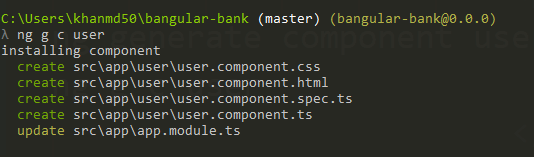
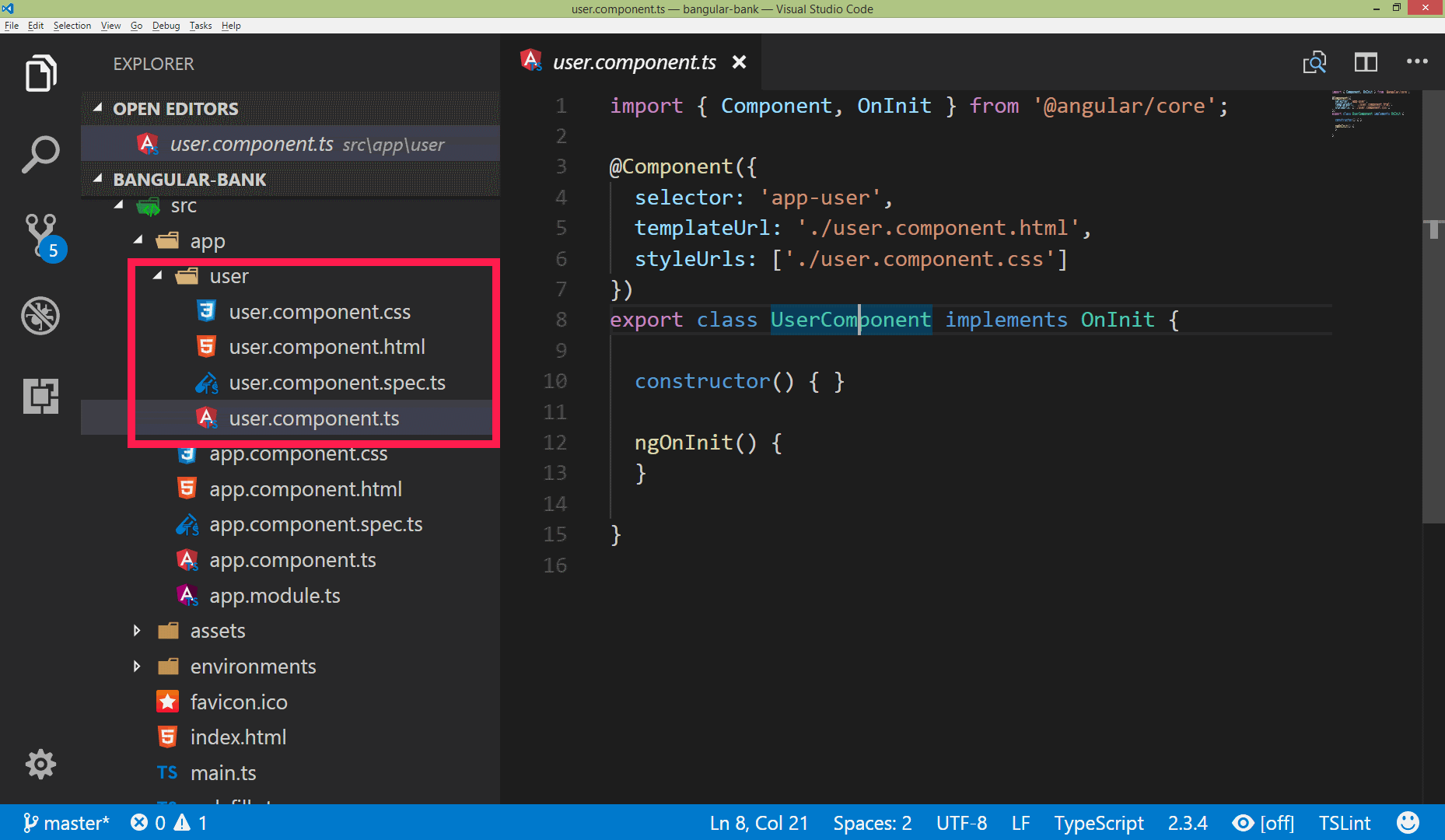
Create a component
ng generate component user
ng g c user
TypeScript
function add(a: number, b: number) {
  return a + b;
}

add(1, 3);   // returns 4
add(1, '3'); // causes a compiler error
Templating
Data binding
Templating
{{happyText}}
Services
create a service
ng g s github\github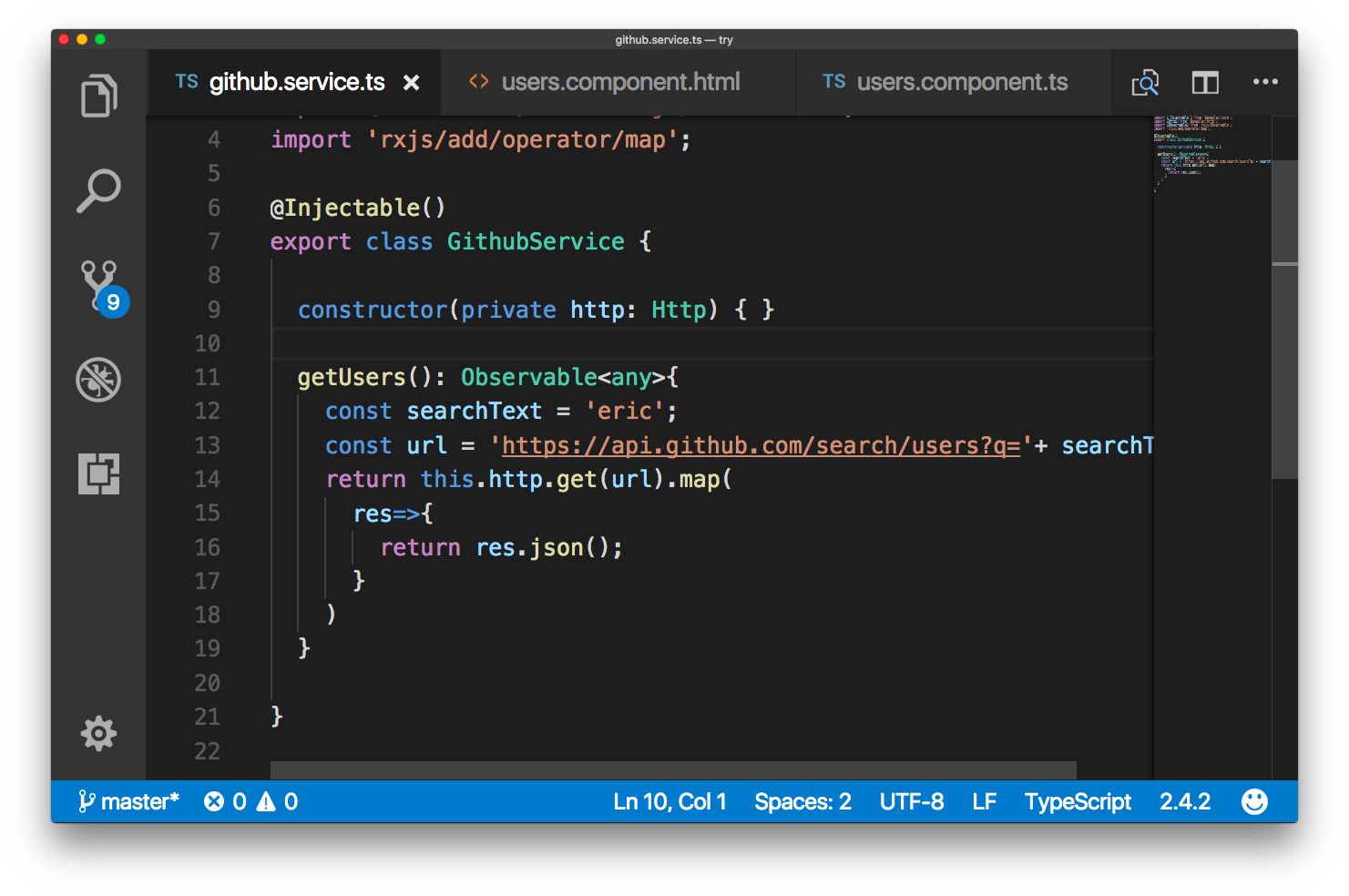
Load Data from server
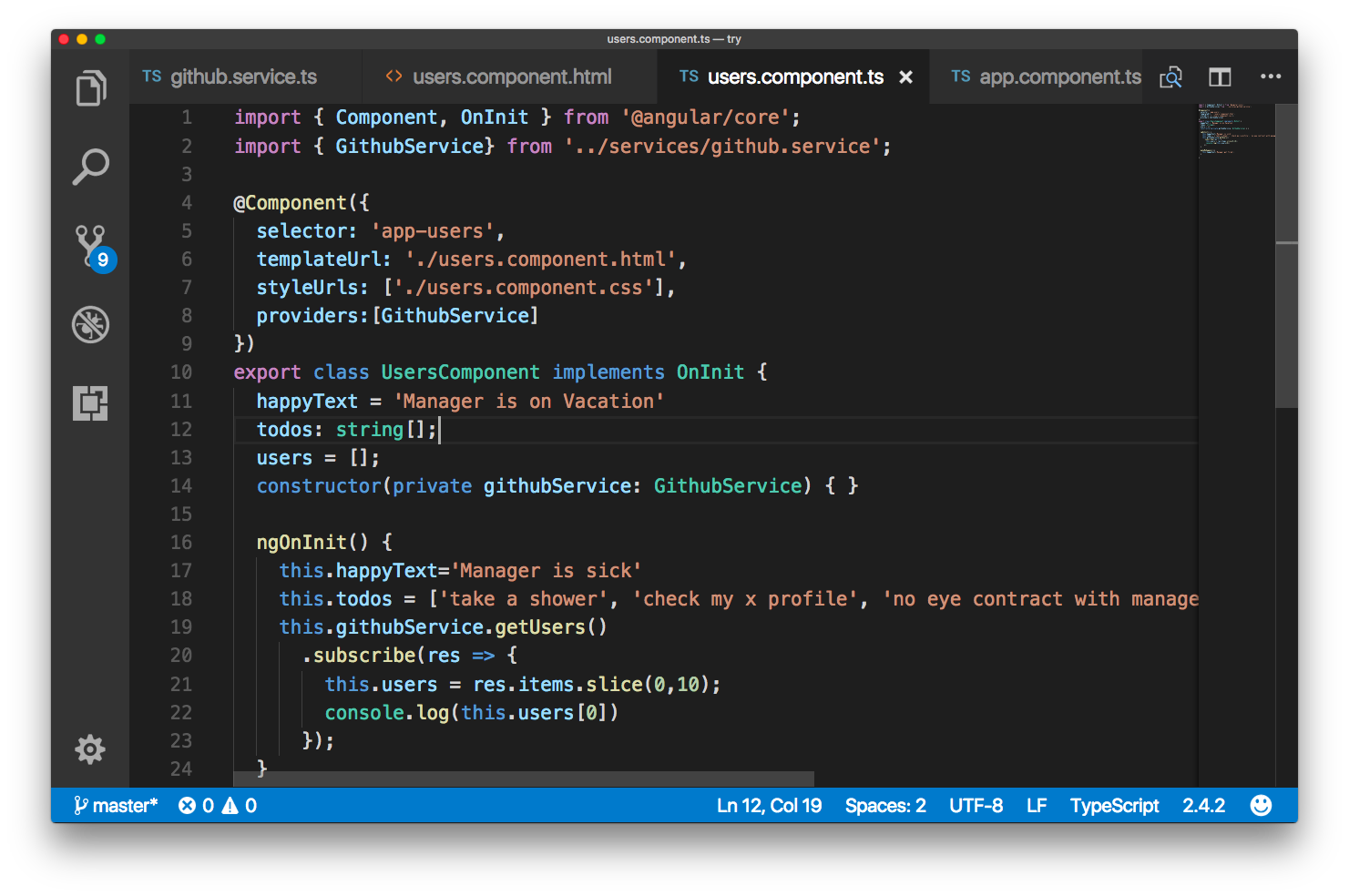
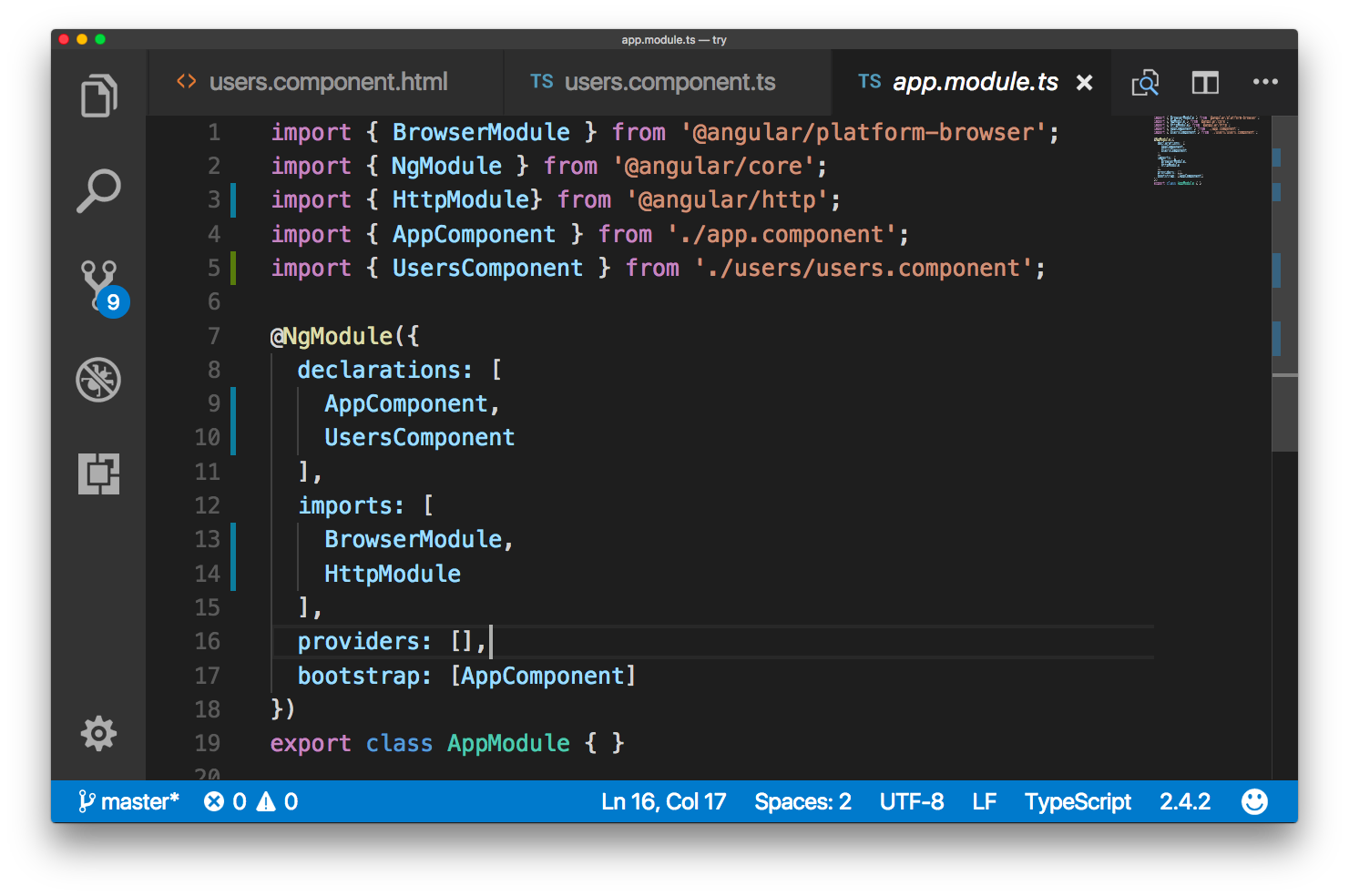
ES6
imports
Makes the blocks of functionality available in the imported modules available to the contents of this module
import {Http} from '@angular/http';

import { GithubService} from '../services/github.service';

import {HttpModule} from '@angular/http';
RxJS
Observable
import { Observable } from 'rxjs/Observable';
import 'rxjs/add/operator/map';
Life of a developer
Find the napper
Part 3
Manager Yell driven Development
Material Design
Install Material Design
- Step 1: Install Angular Material and Angular CDK
- Step 2: Animations
- Step 3: Import the component modules
- Step 4: Include a theme
Pass Data to Component
Using @Input
import { Component, OnInit, Input } from '@angular/core';

@Component({
	selector: 'app-user-card',
	templateUrl: './user-card.component.html',
	styleUrls: ['./user-card.component.css']
})
export class UserCardComponent implements OnInit {

	@Input() user;
	constructor() { }

}
Part 4
Bathroom break driven development

3 Steps
Define routes: route definition
import { Routes } from '@angular/router';

export const appRoutes: Routes = [
  {
    path:'',
    component: UsersComponent
  },
  {
    path:'users',
    component: UsersComponent
  },
  {
    path:'**',
    component: NotFoundComponent
  }
]
Two more steps
//app.modules.ts
import { RouterModule} from '@angular/router';

imports:[
  RouterModule.forRoot(appRoutes)
]
Welcome to {{title}}!
Router
- Component Router
- Navigating Routes
- Route Parameters
- Auth guard
- load Child Routes
- data before navigation
- lazy loading
Part 5
Production broken driven development
ng lint
ng test

ng build
ng build --prod
ng serve --prod
What angular has
Angular has
- Two step child: RxJS, typescript
- Hidding in the closet: zone.js
- Step Dad: ng-cli
- Friend: angular material
- Nerdy friend: ngrx/stores
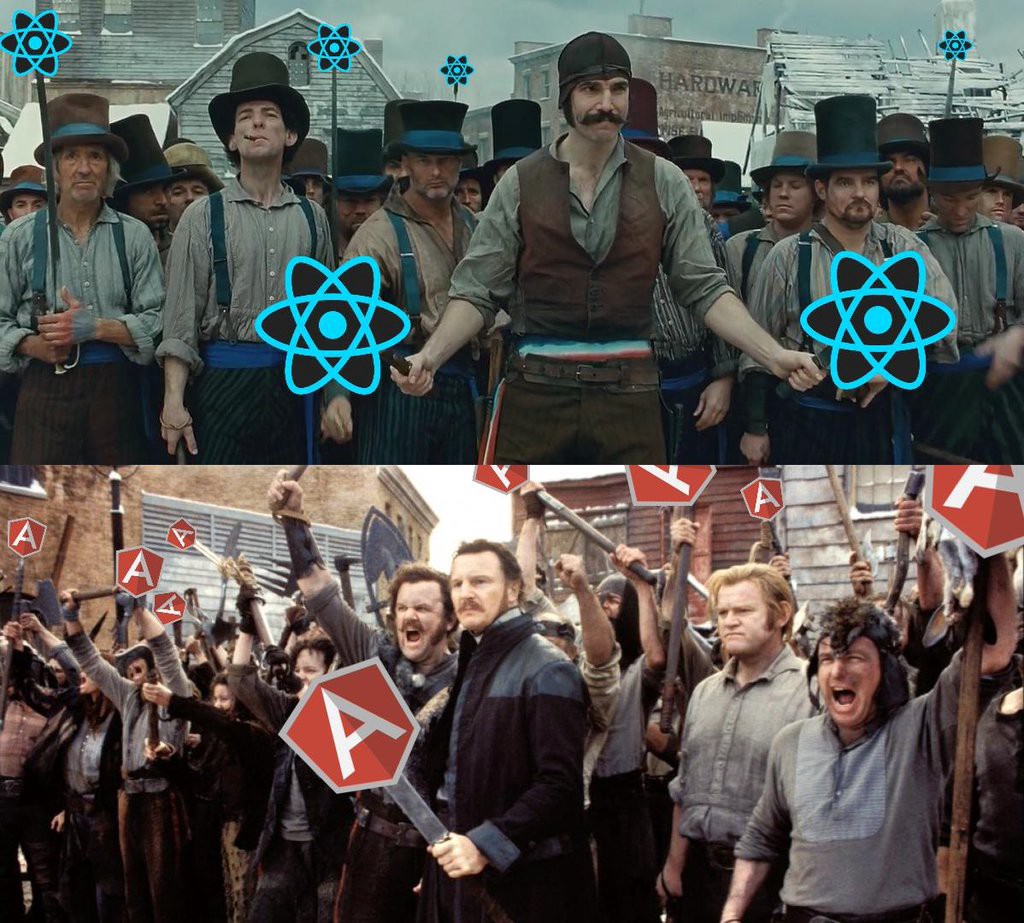
Learn react by building
- ReactJS Workshop for beginners
- Build an e-commerce site
- Email: khan4019@gmail.com
Thank you
Email: khan4019@gmail.com
@jsdude005
www.thatJSDude.com